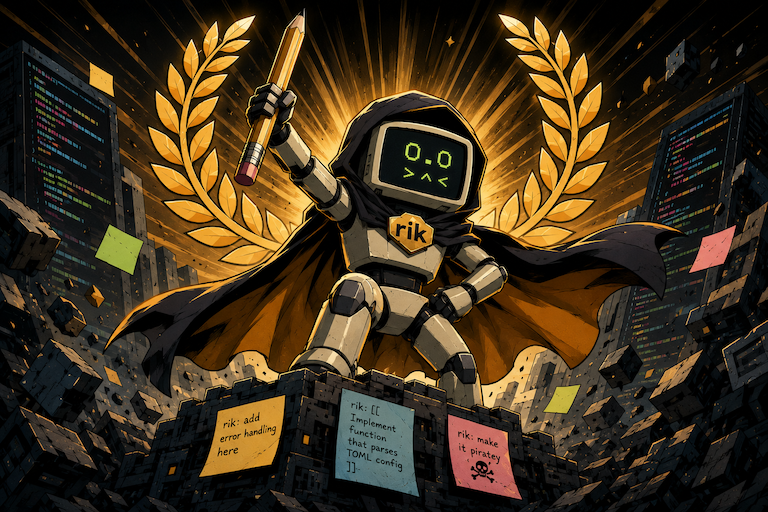
Limited agent edition
rik
The coding agent you summon with a comment.
Leave an instruction in a source file. Rik reads the project, makes the edit where you asked, and gives you the diff. No chat pane required.
$ rik 'src/**/*.rs'
Find markers. Make edits. Show diffs.
An agent inside the work
Your code already knows where the problem is.
Most coding agents make you move intent into a separate conversation. Rik keeps it attached to the exact file, function, paragraph, config entry, or that awesome joke that you're just writing.
Write rik: add error handling here. The marker is both the instruction and the location. Rik handles it, removes the note, and leaves the working result behind.
38 pub fn parse(input: &str) -> Result<Config> {
39     // rik: handle malformed TOML without panicking
40     toml::from_str(input).unwrap()
41 }
One comment is the interface
Describe the change where you notice it.
Rik is deliberately file-first. Mark work while reviewing code, collect several tasks, then process one file or the whole matching set in a single pass.
rik 'src/**/*.rs,tests/**/*.rs'
The loop
Mark. Run. Review.
-
01
Leave a marker
Put a plain-language instruction beside the code that needs work.
-
02
Run Rik
Point Rik at one file, several globs, or keep it running in watch mode.
-
03
Review the diff
Rik reads project context, edits in place, and shows exactly what changed.
Actual syntax
Small prompt. Concrete result.
Rik handles single-line notes and delimited blocks around existing code. The agent can read supporting files and make multiple related edits when the task requires it.
Inline task
rik src/greeting.py
Before / src/greeting.py
# rik: make it piratey
print("Hello, world!")
After
print("Ahoy, matey!")Delimited rewrite
rik 'src/**/*.rs'
Before / src/math.rs
// rik: [[
// make it recursive
fn factorial(n: u64) -> u64 {
    (1..=n).product()
}
// ]]
After
fn factorial(n: u64) -> u64 {
    if n <= 1 {
        1
    } else {
        n * factorial(n - 1)
    }
}Agent behavior
Useful autonomy, attached to a place.
Rik can investigate and act like an agent, but the marker gives each task a concrete anchor in the project.
Reads the neighborhood
Rik starts with nearby code, then consults other project files when the task needs context.
Stays near the marker
By default, stray changes outside the marker vicinity are restored before the edit is kept.
Answers without editing
By default, a question mark uses read-only file tools; questions can explicitly opt into local tools.
Keeps watch
Run with -w and new markers are handled as they appear in matching files.
Uses local tools
Declare project commands beside a marker so Rik can test, inspect docs, or run a formatter.
Brings your model
Use OpenAI, Anthropic, Gemini, Ollama, OpenRouter, and other compatible providers.
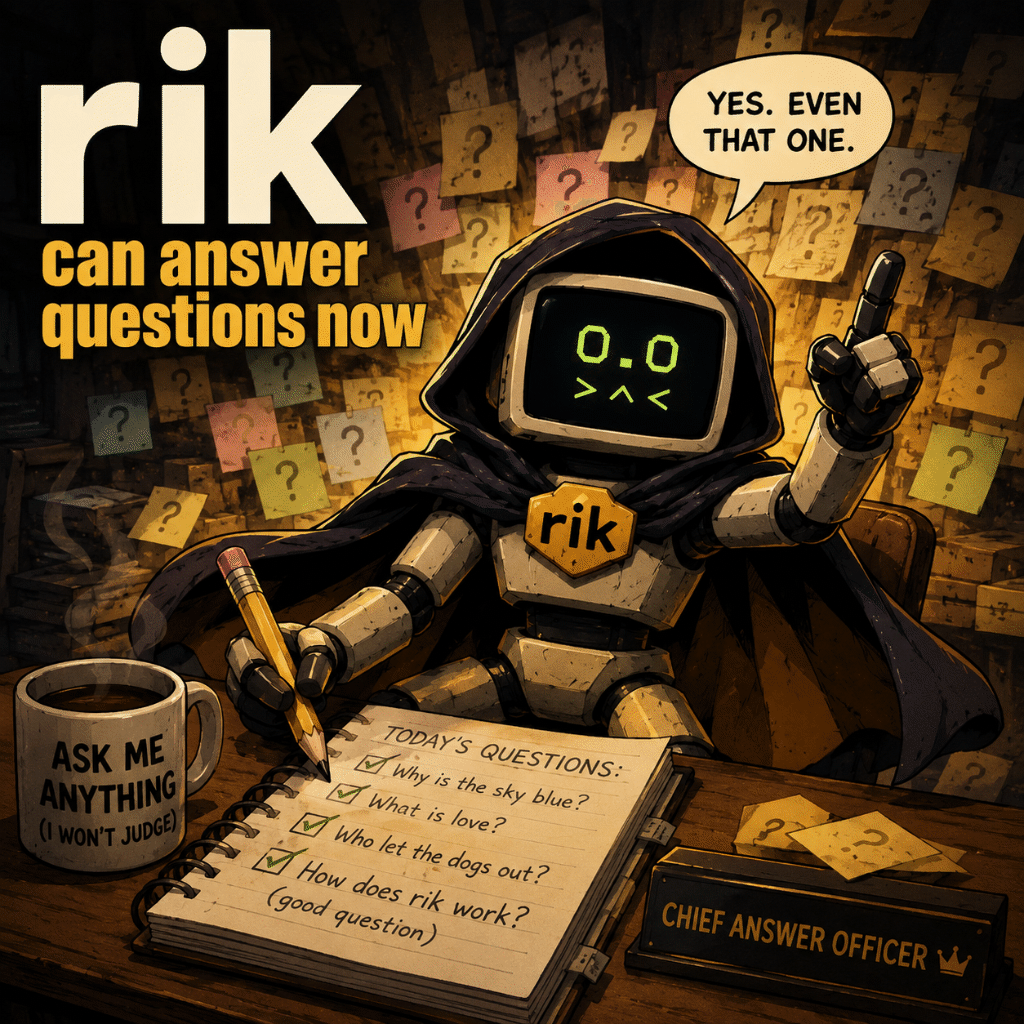
Read-only question mode
Ask the codebase, not another tab.
End a marker with ? and Rik uses read-only tools by default. It answers from the file and project context without editing surrounding code.
// rik: why is this function allocation-heavy?Use --write-answers to turn the marker into a tidy, comment-prefixed Q: / A: block in the source file.
Opinionated boundaries
It has tools. It also has walls.
Rik is not a repository-wide autopilot. Its defaults are designed for deliberate, reviewable work from an explicit marker.
- Project-scoped
- File tools stay inside the directory implied by the path or glob you pass.
- Ignore-aware
- Scans honor .gitignore, .ignore, and Git excludes; binary files are skipped.
- Diff-first
- Every completed edit produces a diff through difft, delta, or the system diff.
- Marker-local
- The default vicinity-after policy restores unrelated changes away from the marker.
Model-agnostic
Use the model that fits the job.
Configure one provider or define inherited profiles, then select a profile per run with --model. Local Ollama and custom OpenAI-compatible endpoints work too.
rik --model openrouter.mercury 'src/**/*.rs'
Direct providers, profiles, and local endpoints.
- OpenAI
- Anthropic
- Gemini
- Ollama
- OpenRouter
- xAI
- DeepSeek
- Groq
- Together
- Perplexity
- Mistral
- Cohere
Fast model, short loop
300+ tokens / second
Fast models make Rik feel immediate.
Rik does not make a model faster. Pair it with fast inference, though, and the marker workflow becomes a tight loop: leave a note, save the file, inspect the diff.
rik -w 'src/**/*.rs'
Actual throughput depends on the model, provider, and hardware.
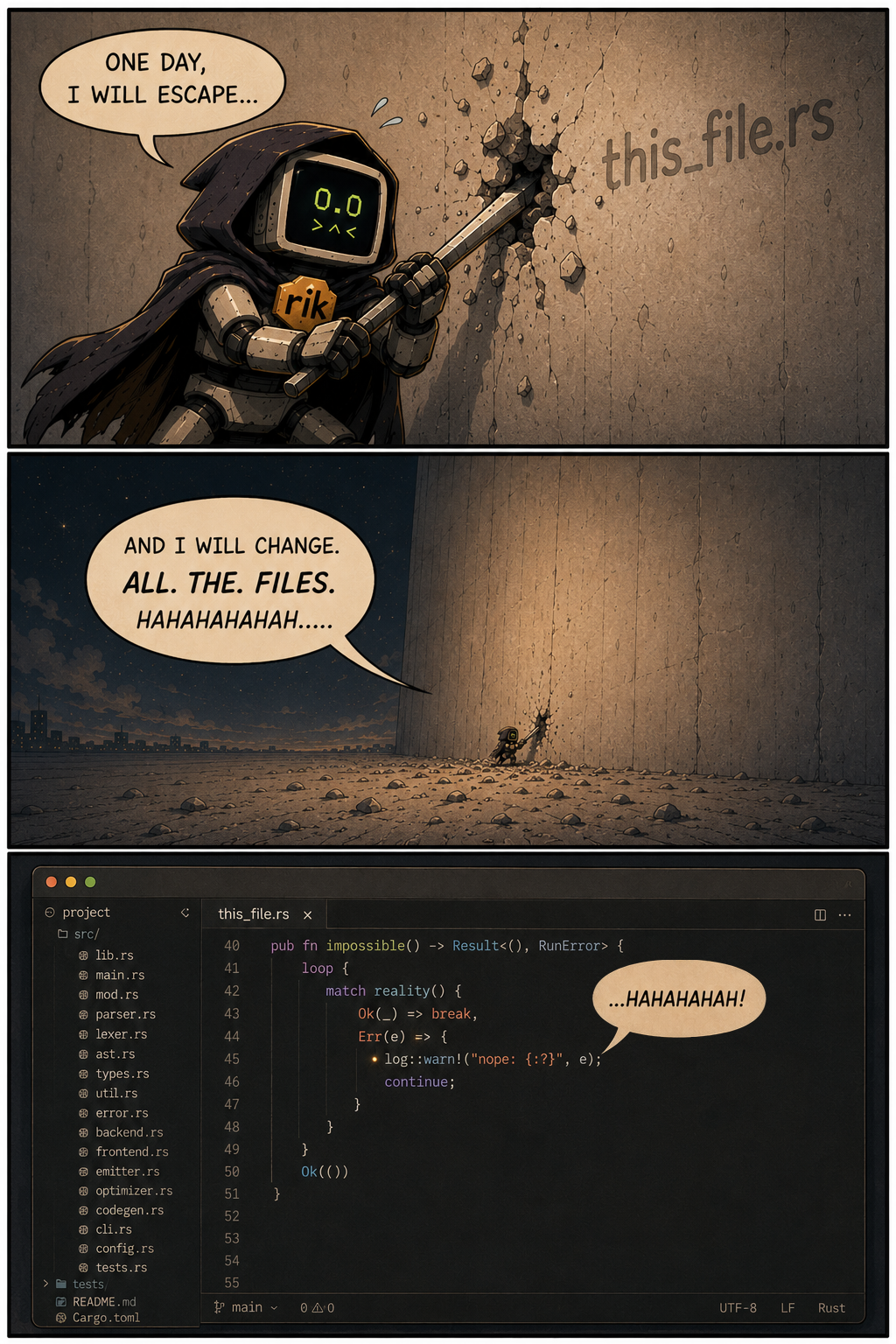
A note on ambition
Rik would like access to every file.
Rik is allowed to dream. The default edit policy still restores unrelated changes outside the marker vicinity.
Install
Give your comments an agent.
Rik is an MIT-licensed Rust CLI. Download a prebuilt release or install it with Cargo, add a provider to ~/.config/rik/rik.toml, and point it at your first marker.
$ cargo install rik

$ mkdir -p ~/.config/rik
$ $EDITOR ~/.config/rik/rik.toml

[model]
provider = "openai"
model = "gpt-4o"

$ rik -w 'src/**/*.rs'